
Sports Betting
Bet on football, tennis and horse racing before kickoff or while matches are live.
150% up to GBP 850 + 250 Free Spins

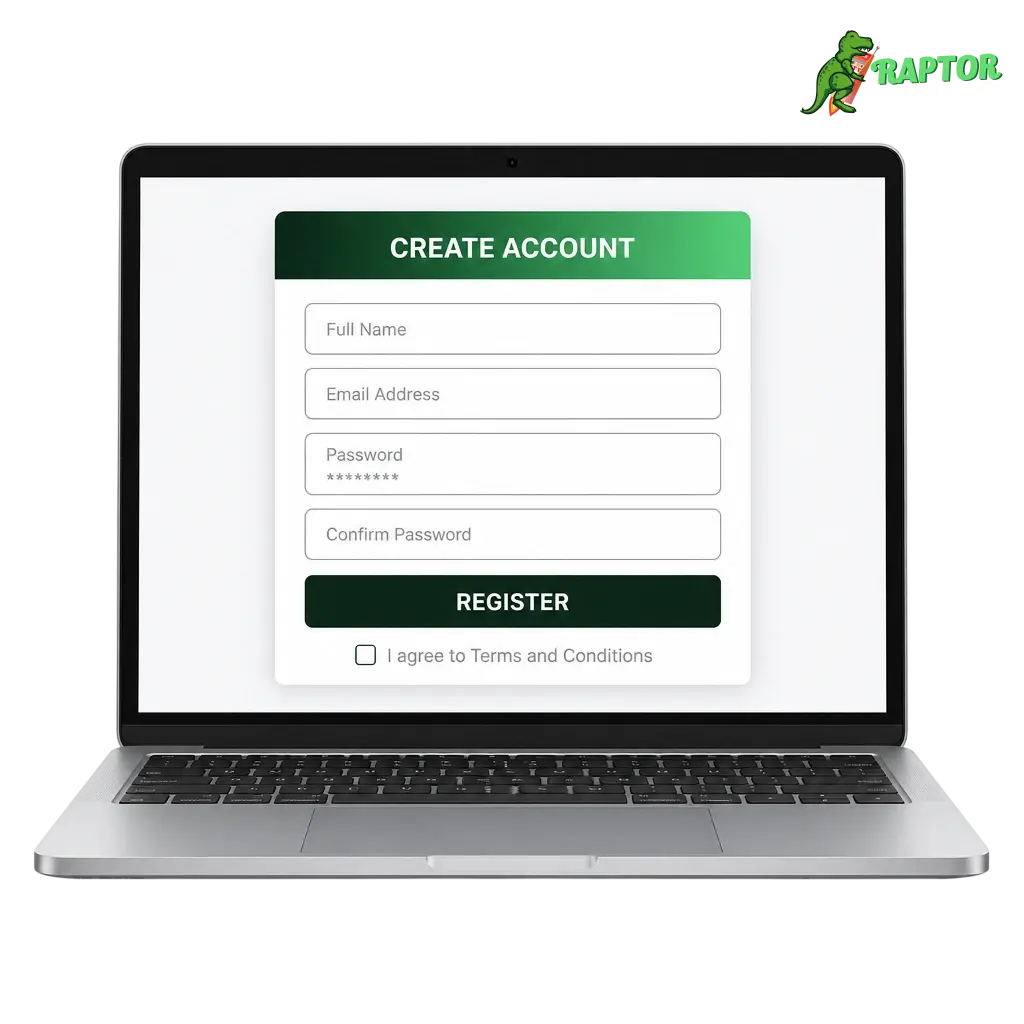
Registration at Raptor Wins takes under five minutes for players across the United Kingdom. Choose email sign up, quick mobile registration, or an instant option linked to your existing details. Account verification confirms your age and address, and most documents clear within 24 hours. Once verified, you gain full access to the sportsbook and casino lobby, plus your 150% up to GBP 850 + 250 Free Spins welcome package on a qualifying first deposit. Every new player account operates under UK Gambling Commission licensing standards. Register online today and claim your welcome package below.
Review these rules before you create an account on the official Raptor Wins website. UK operators follow strict regulatory standards, and a few conditions apply to every new player account. Meeting these requirements upfront helps you avoid a temporary hold once you submit your details.
Sign up on Raptor Wins in a few short steps. Register using your email address, or choose quick registration through your mobile browser. The entire process takes under five minutes once your details are ready.
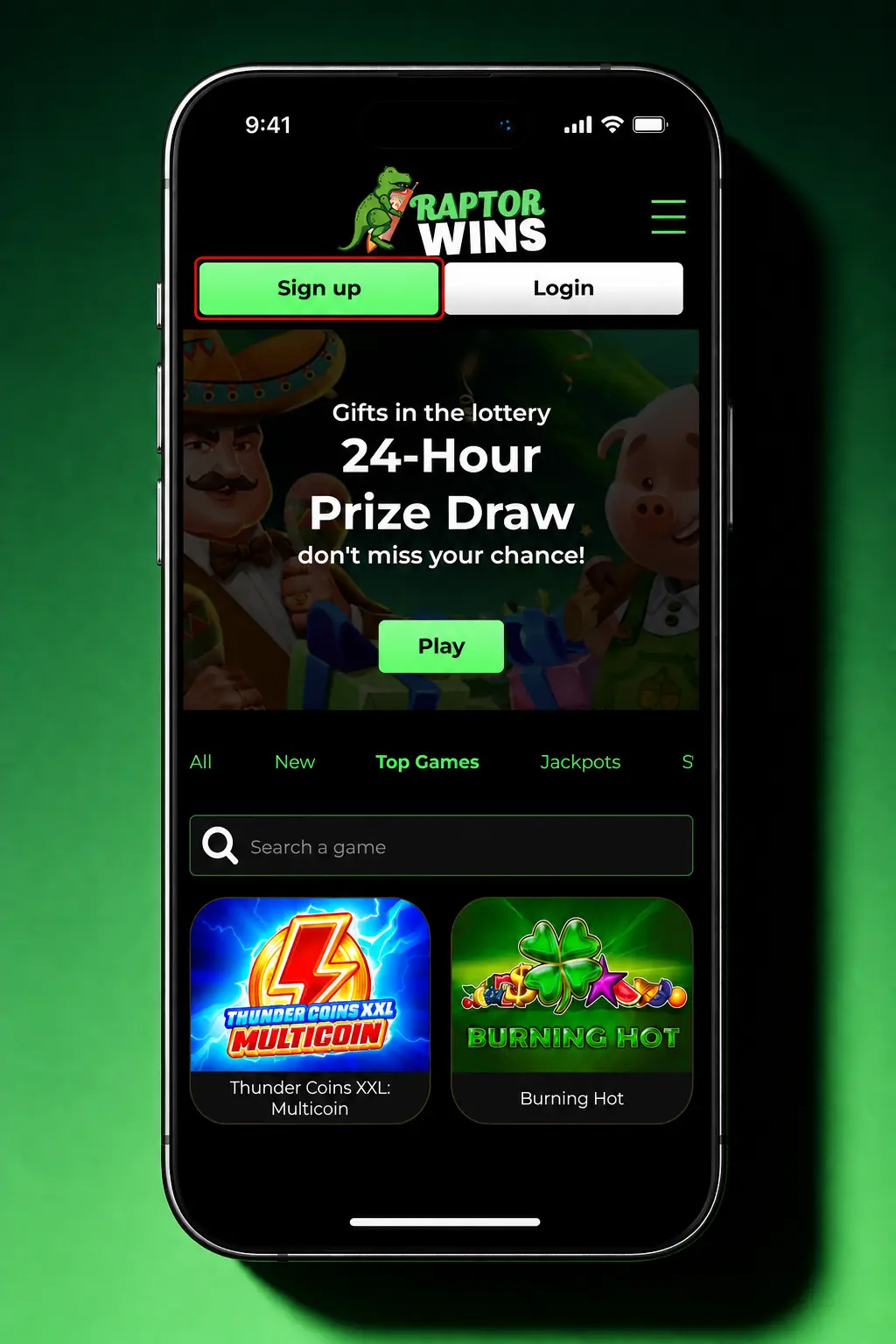
Click the “Register” button on this page to open the Raptor Wins sign up form.
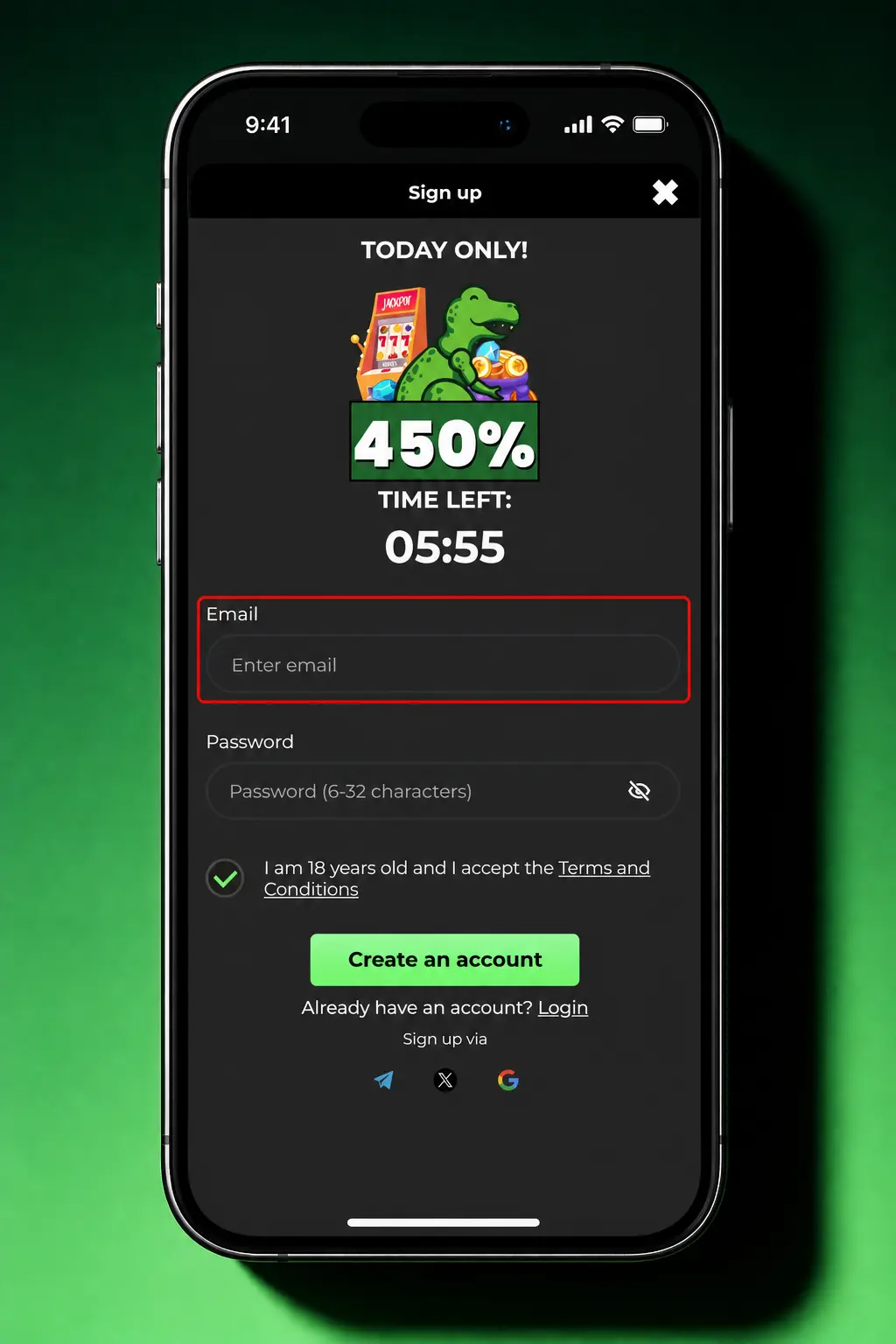
Complete the standard email form, or use quick registration linked to your mobile number.
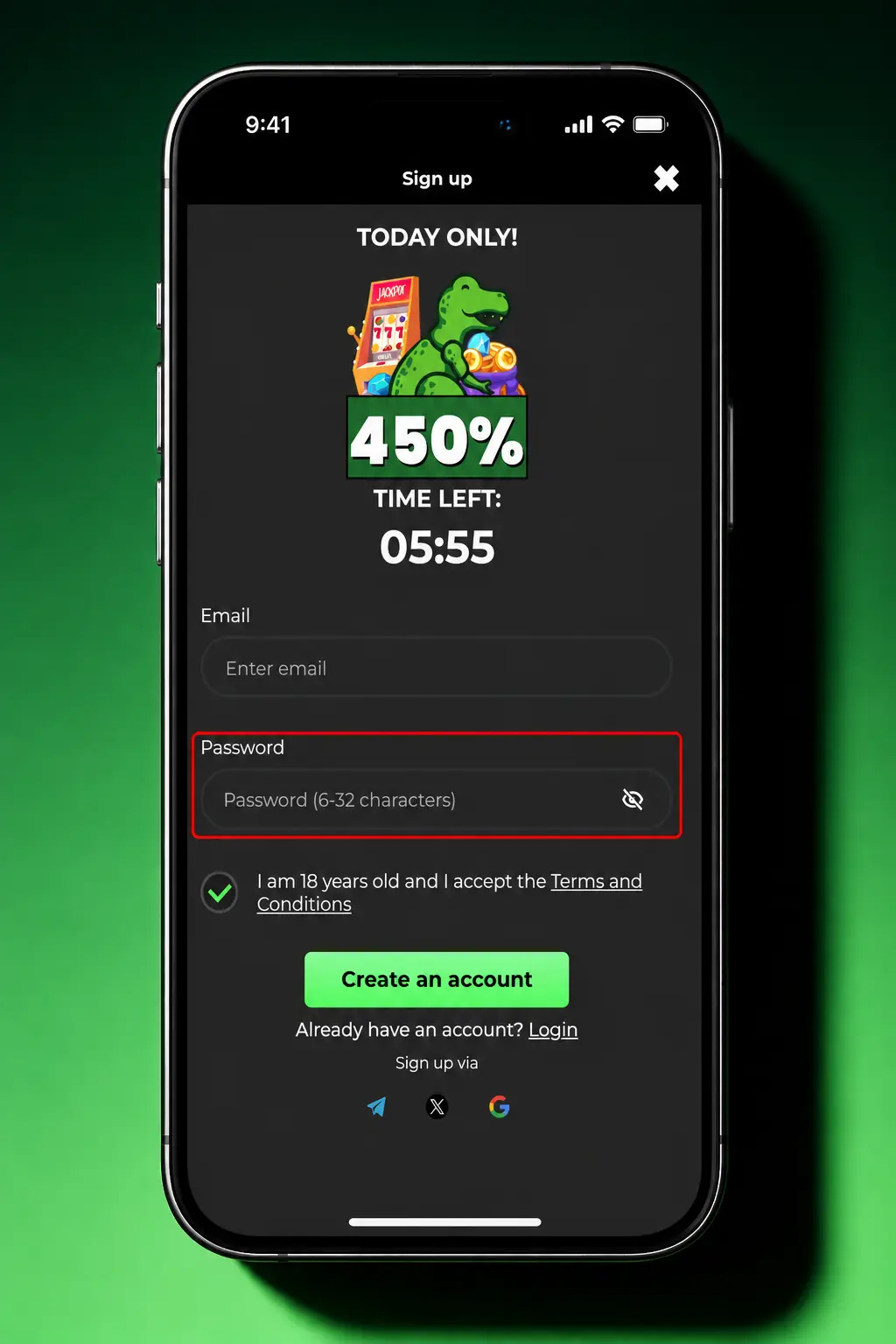
Provide your full name, date of birth, UK address and a secure password.
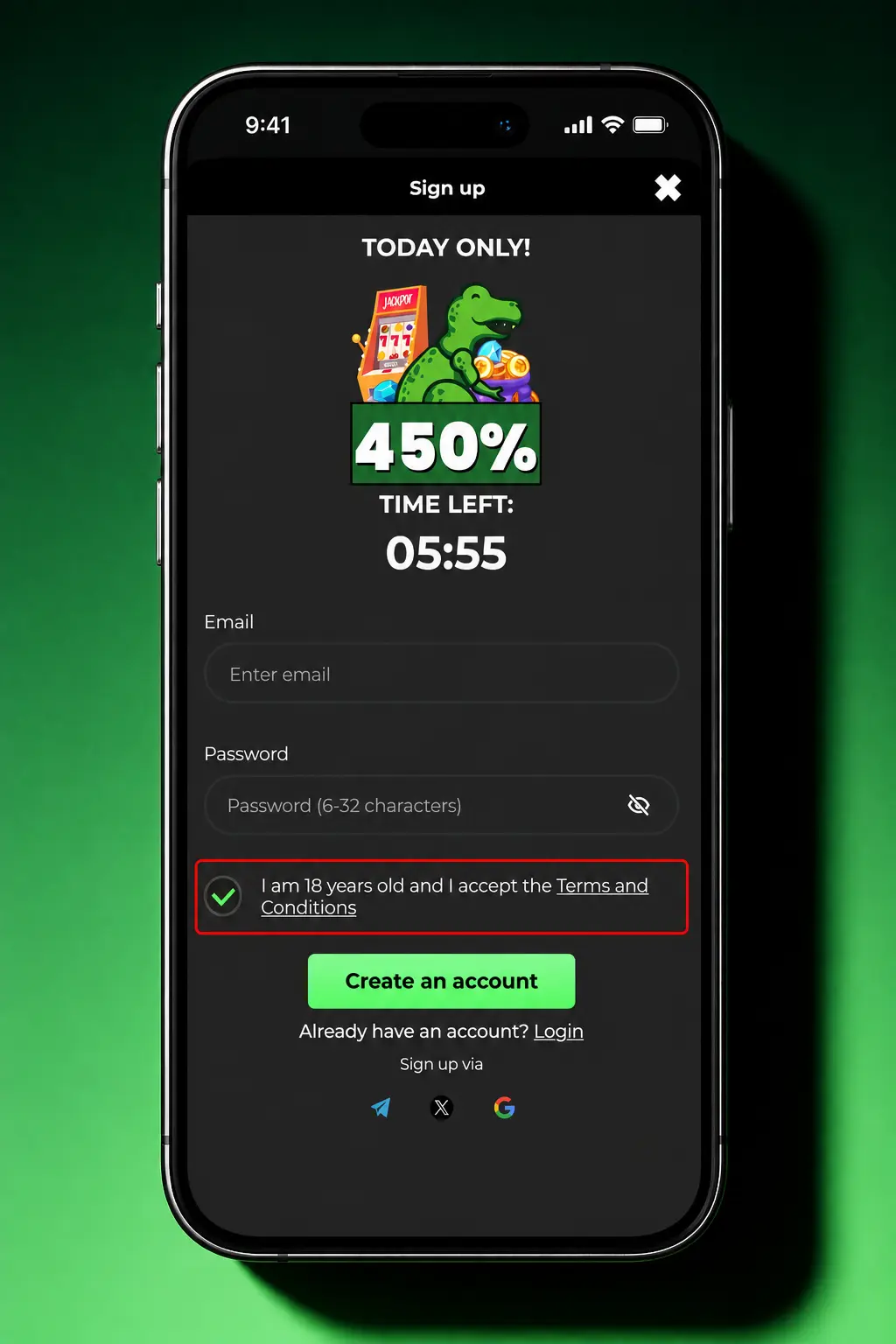
Verify your email or mobile number using the code sent to you.
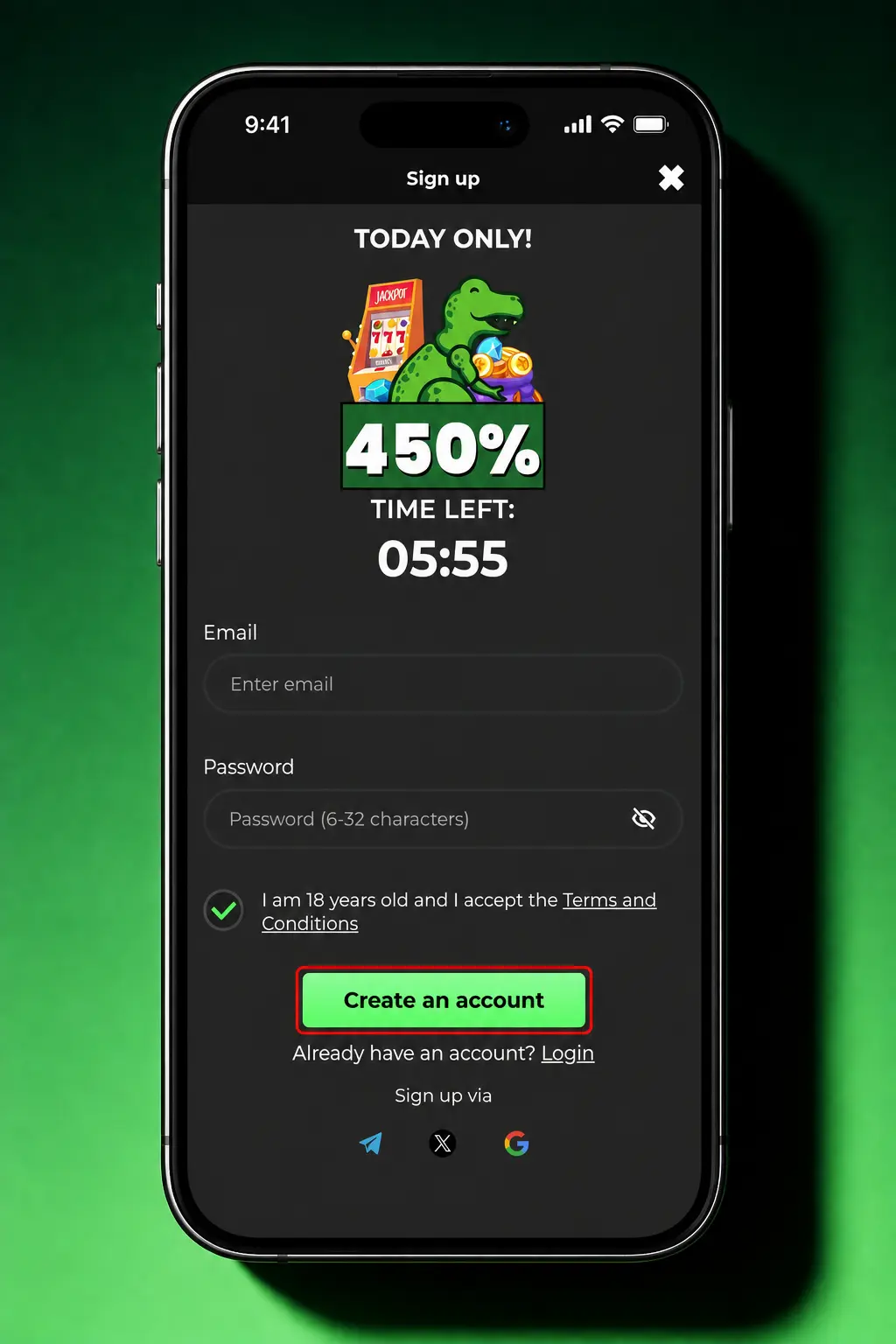
Set a deposit limit, then make your first deposit to activate your welcome package.
Registration through the Raptor Wins mobile app follows the same steps as the website, plus one shortcut: biometric login setup straight after sign up. Opening an account this way takes under three minutes.
Account verification, known as KYC, confirms your identity and address before you withdraw. It also protects your account from unauthorised access. UK players complete this step once, and it stays valid for future logins.
Upload documents in JPG, PNG or PDF format, under 10MB per file. Check that all four corners of the document are visible and the text reads clearly, with no glare or blur. Confirm your driving licence or passport has not expired before you submit it, since expired documents get rejected automatically.
Approval speed depends on the document type and the queue at the time of submission.
| Document Type | Estimated Approval Time |
|---|---|
| Passport or National ID Card | Within 24 hours |
| UK Driving Licence | Within 24 hours |
| Utility Bill or Bank Statement | 1–2 business days |
| Payment Method Proof | 1–2 business days |
Your Raptor Wins welcome package activates once your first deposit clears. The offer matches 150% of your deposit, up to GBP 850, and adds 250 Free Spins on selected slot titles. Casino and sports players both qualify, and the bonus splits based on how you choose to play. Wagering requirements and game contributions apply as set out in the promotion’s full terms, available on the promotions page before you opt in.
| Bonus Element | Amount | Minimum Deposit |
|---|---|---|
| Deposit Match | 150% up to GBP 850 | GBP 10 |
| Free Spins | 250 spins on selected slots | GBP 10 |
Occasional technical or input errors can slow down sign up on Raptor Wins.
| Problem | Possible Cause | Solution |
|---|---|---|
| Email already registered | Existing account on file | Use password recovery instead |
| No verification code received | Delayed SMS or spam filter | Request a new code, check spam folder |
| Age restriction error | Date of birth under 18 | Registration not available under 18 |
| Weak password rejected | Password below 8 characters | Add numbers, symbols, capital letters |
| Location access blocked | VPN or restricted region detected | Disable VPN, confirm UK location |
| Address does not match | Typo in postcode or address | Re-enter address exactly as on file |
A verified Raptor Wins account opens access to five core areas of the platform.
Bet on football, tennis and horse racing before kickoff or while matches are live.
Spin slots, play blackjack and roulette across hundreds of titles from top studios.
Join live blackjack, roulette and baccarat tables streamed from professional studios with live dealers.
Deposit and withdraw using Visa, Mastercard, PayPal, Trustly or Apple Pay in GBP.
Earn points on every stake and progress through tiers for cashback and dedicated support.
Sign in to Raptor Wins to reach your account, deposit and check live odds. Raptor Wins sign in works the same way across desktop, mobile browser and the app.
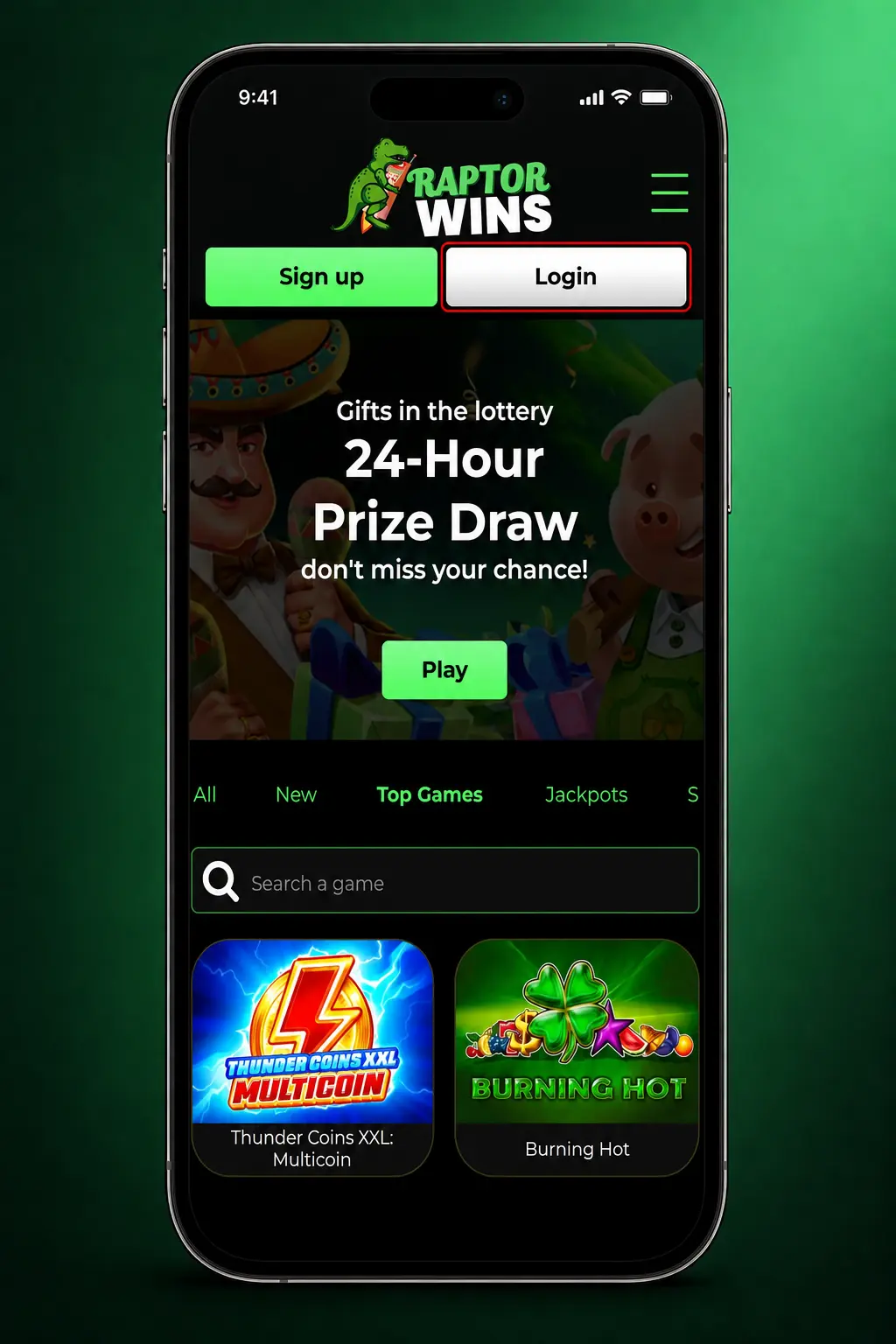
Select the login button on the top right of the Raptor Wins website or app.
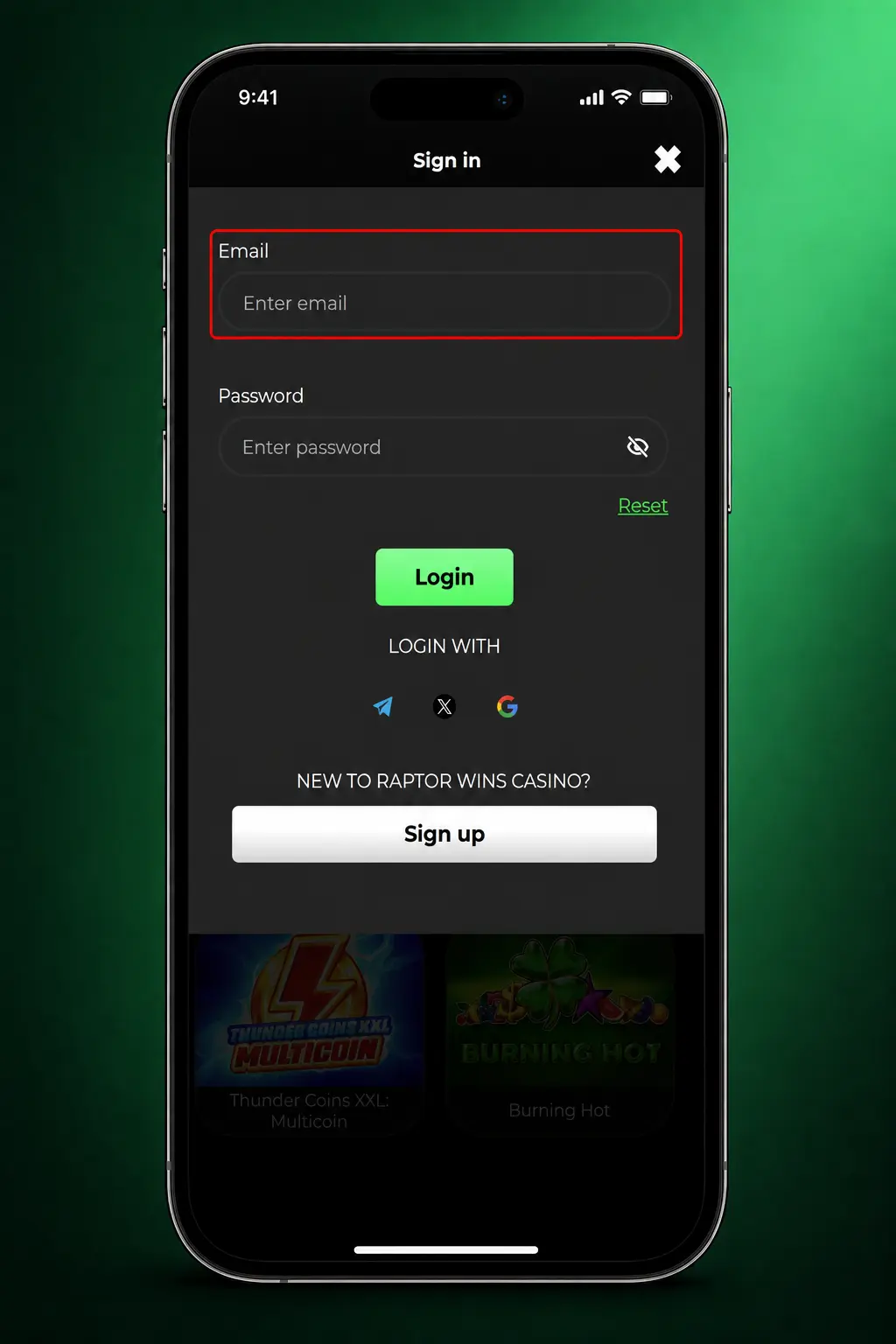
Type in your registered email or mobile number and your password.
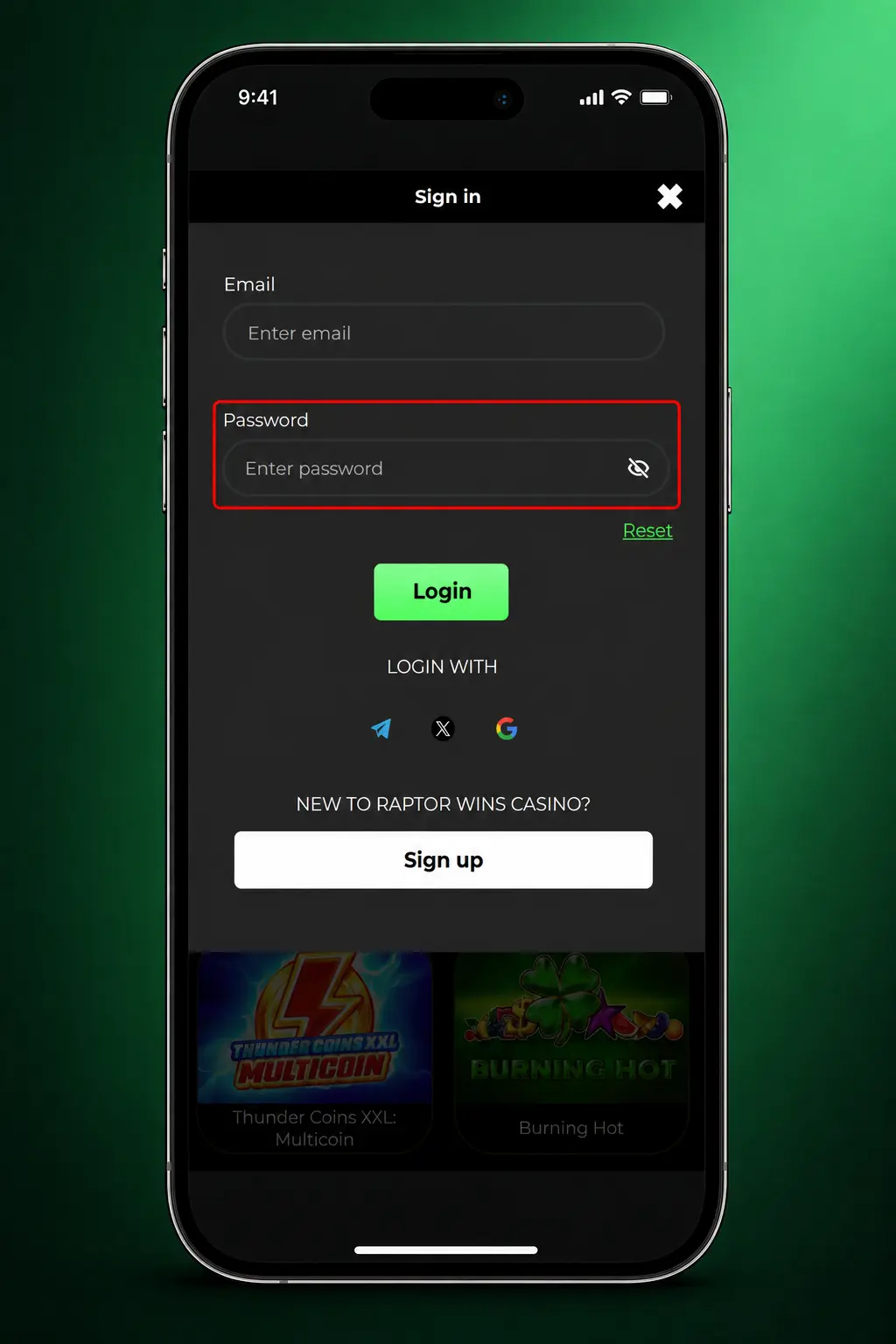
Submit the form, or use saved biometric login on the mobile app to reach your account.
Password recovery takes a few steps through the Raptor Wins login page. You confirm your identity through your registered email or mobile number, then set a new password.
You can close your Raptor Wins account at any time, without penalty, through account settings or the Responsible Gambling tools section. Withdraw any remaining balance before you close your account, since deletion forfeits active bonuses permanently. For a complete block across all UK licensed operators, register with GAMSTOP, the national self-exclusion scheme, or contact Raptor Wins support directly for assistance with your closure request.
Most documents clear within 24 hours. Proof of address can take 1–2 business days during high volume periods.
Yes. Enter your promo code in the designated field during sign up to apply eligible offers to your first deposit.
Visa, Mastercard, PayPal, Trustly, Apple Pay and bank transfer are all available in GBP.
Raptor Wins operates under UK Gambling Commission licensing standards, with age checks applied at account verification.
Use the “Forgot Password” link on the login page to reset your password through your registered email or mobile number.
Updated: