Slots
Over 800 slot titles span classic fruit machines, video slots, and megaways mechanics, all tuned for quick sessions on a single handheld device.
| Cost: | Free |
| Supported OS: | Android and iOS |
| Download Methods: | PWA |
| Downloads: | 268,450 (Android), 194,320 (iOS) |
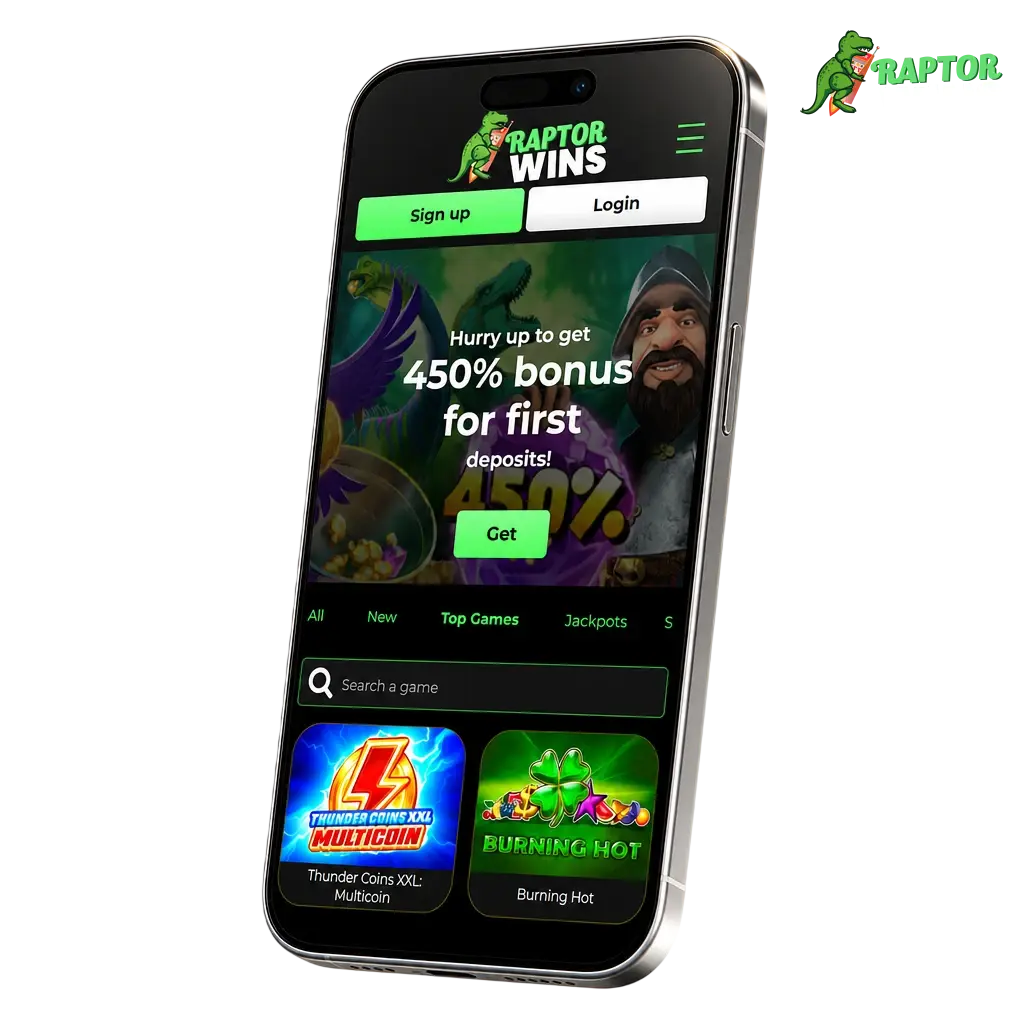
Raptor Wins app puts sports betting and casino games on your phone, translated into 12 languages for players across the United Kingdom. Download the Raptor Wins PWA for Android or iOS in seconds, no App Store or Play Store required. Crypto, Visa, and Mastercard deposits work instantly inside the app, alongside every casino and betting feature the desktop site offers. New players claim a 150% bonus up to GBP 850 plus 250 free spins, with a minimum deposit of GBP 10.
The Raptor Wins PWA app installs on Android devices in under a minute, free of charge. No APK sideloading or unknown sources setting is required. Follow these four steps to add the app to your home screen.
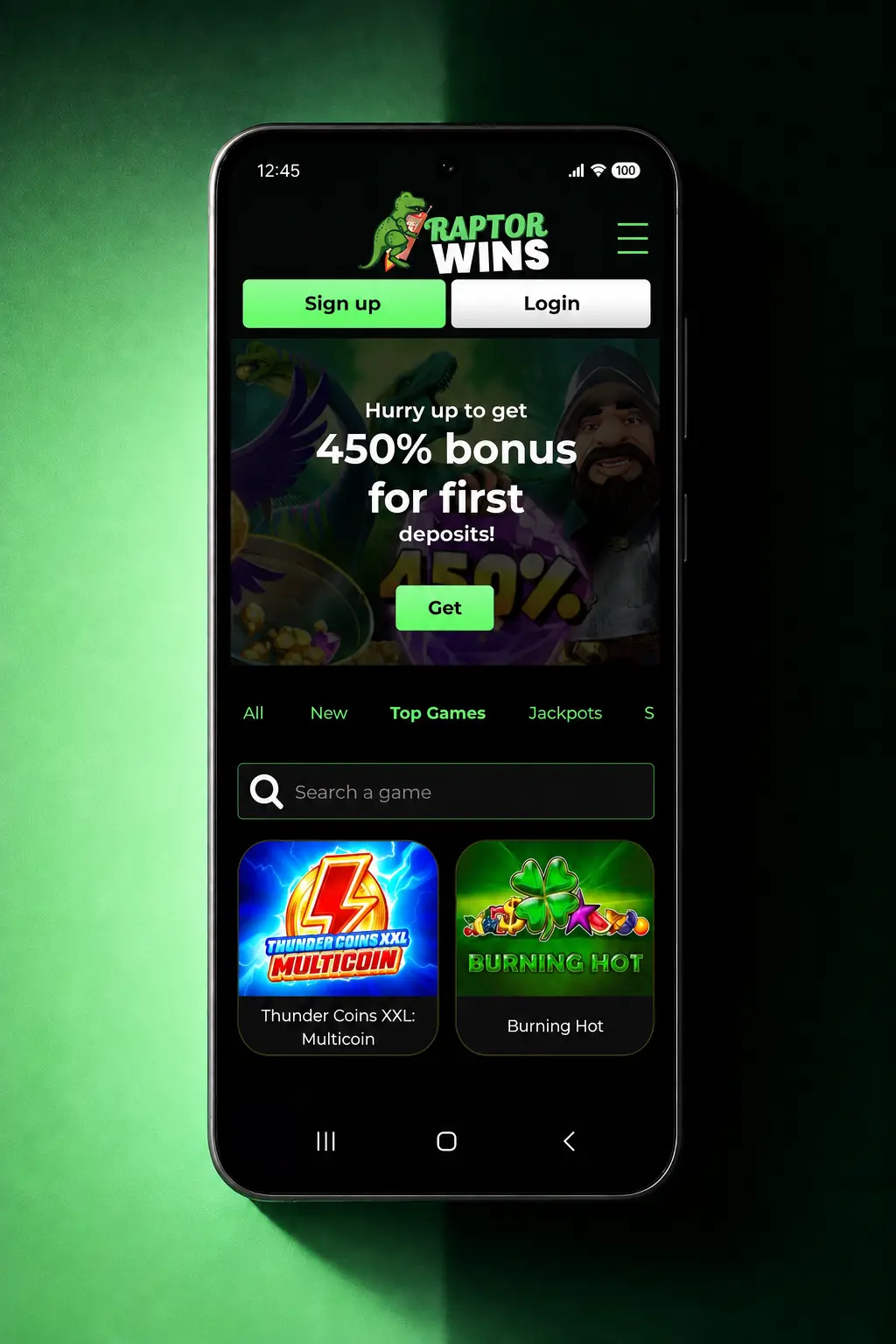
Click the Download Android App button at the top of this page. This opens the Raptor Wins mobile app in your Chrome browser.
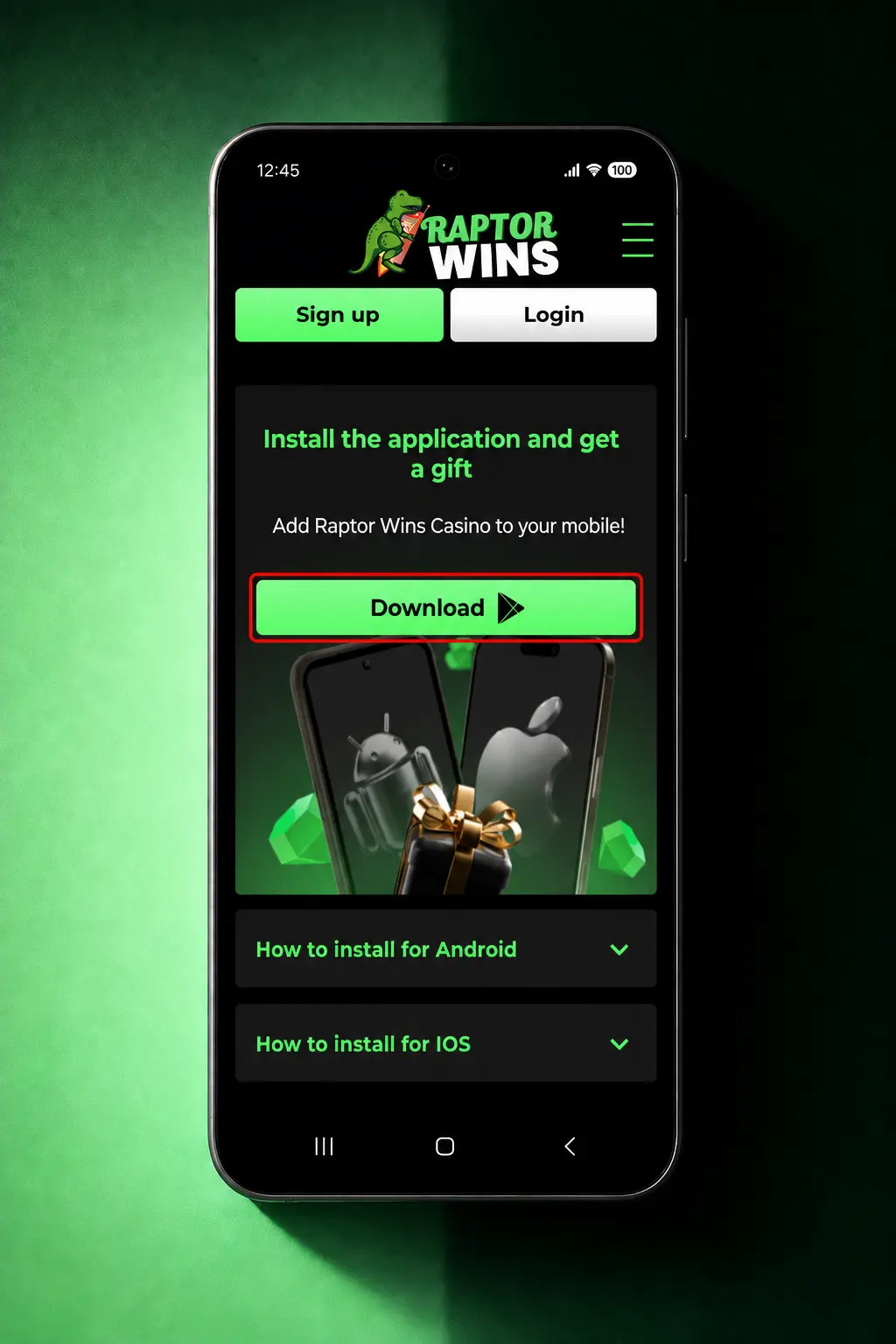
Tap the menu icon shown as three dots in the top right corner of Chrome. A dropdown list of browser options appears.
Choose Add to Home Screen from the menu list. Confirm the app name when the pop-up window appears.
Tap Add on the confirmation prompt. The Raptor Wins icon appears on your home screen, ready to launch the app.
The Raptor Wins mobile app installs on iOS devices through Safari in four short steps. The entire process starts right here on this website.
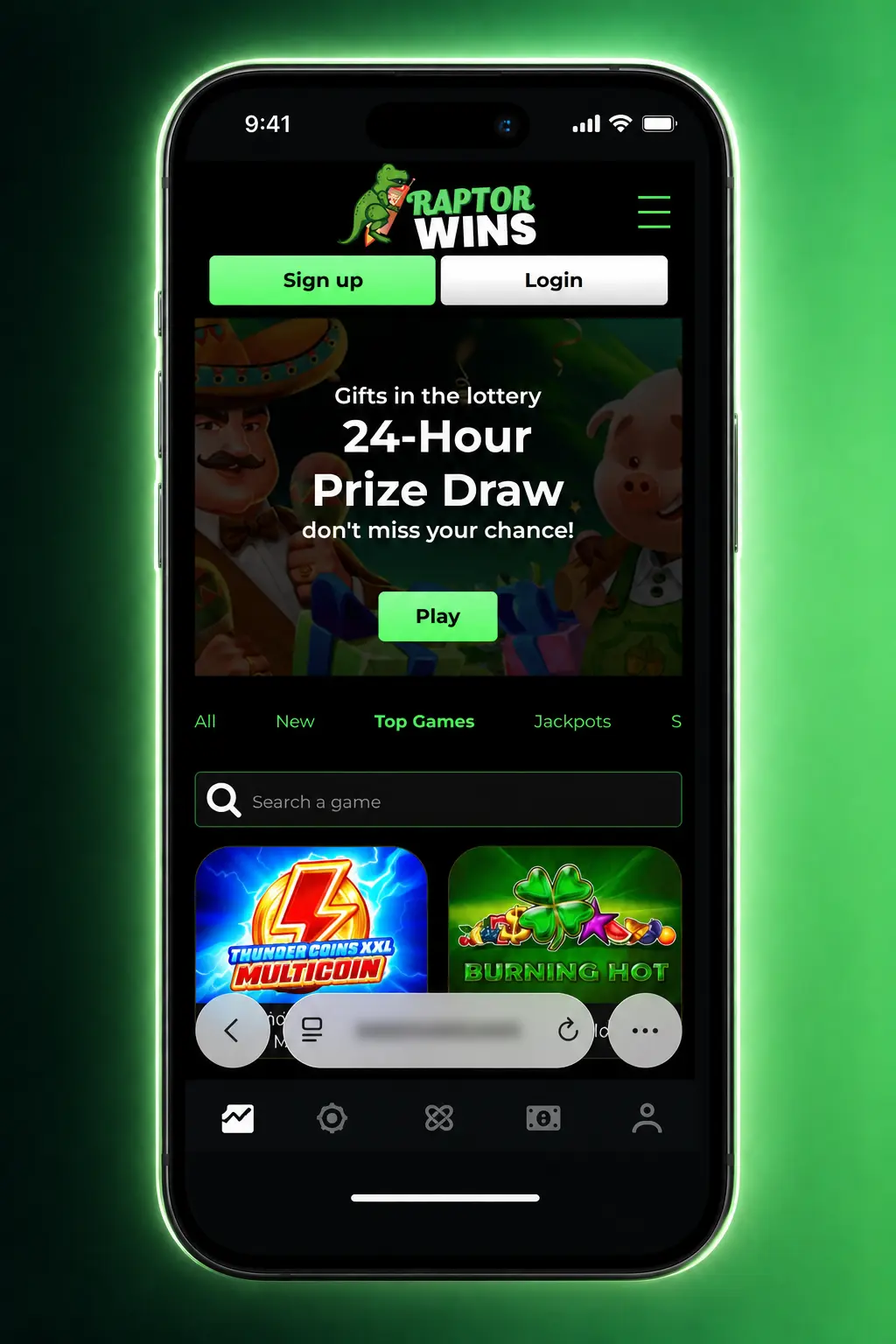
Click the Download iOS App button at the top of this page. Log in or sign up to load the mobile app in Safari.
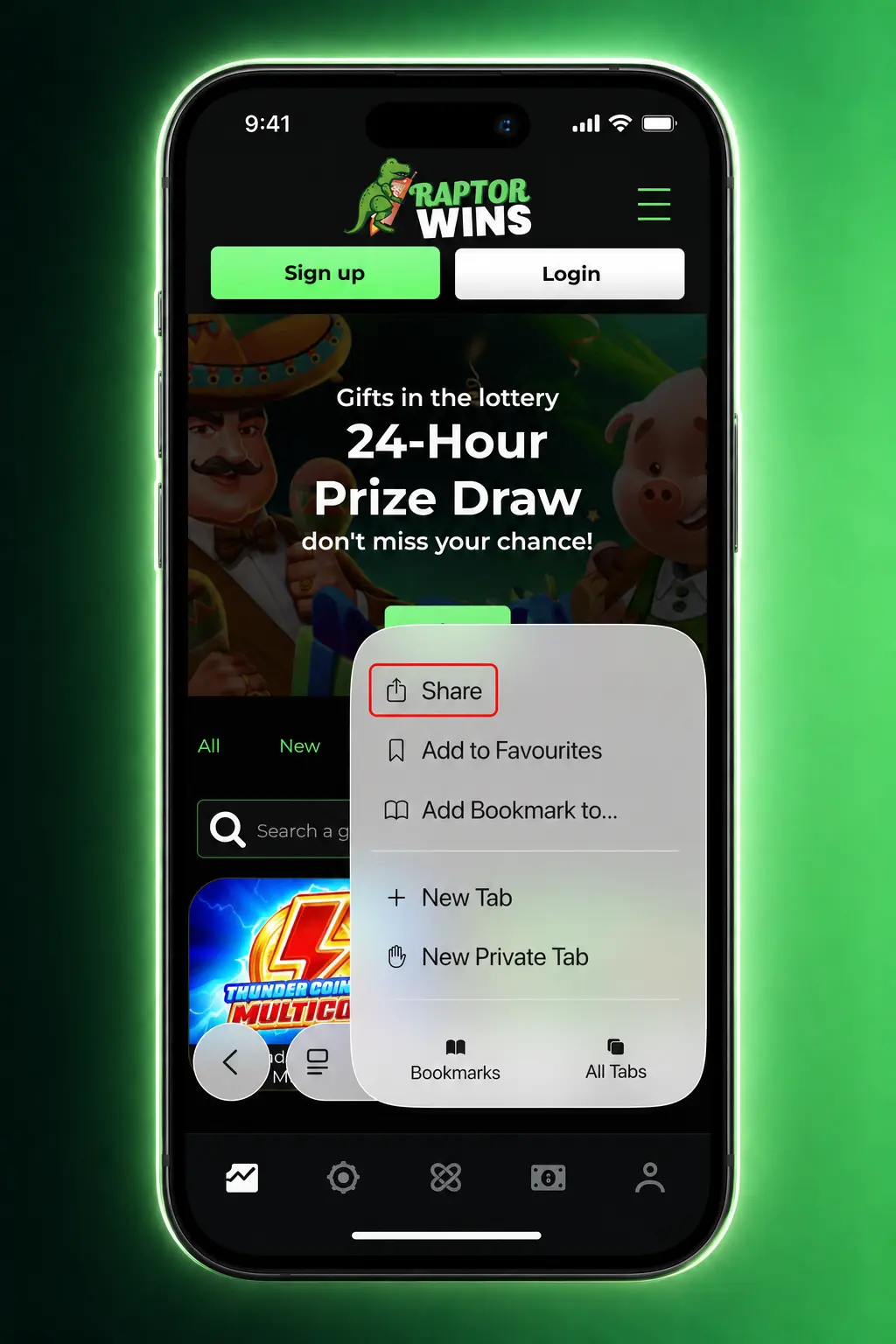
Tap the Share icon in the Safari toolbar, found at the bottom or top of the screen. A list of sharing options appears.
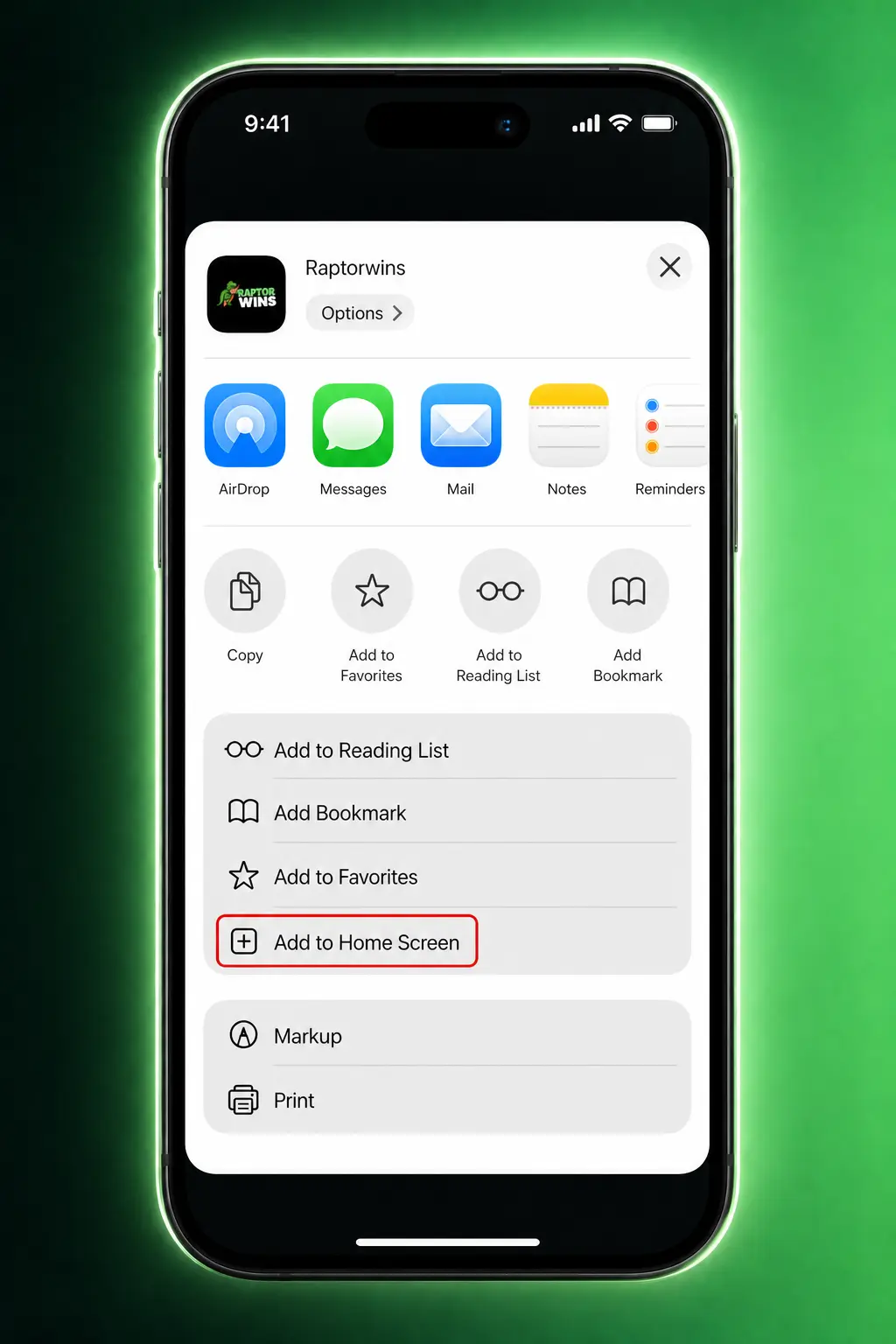
Scroll down and tap Add to Home Screen from the share menu. Confirm the app name shown on screen.
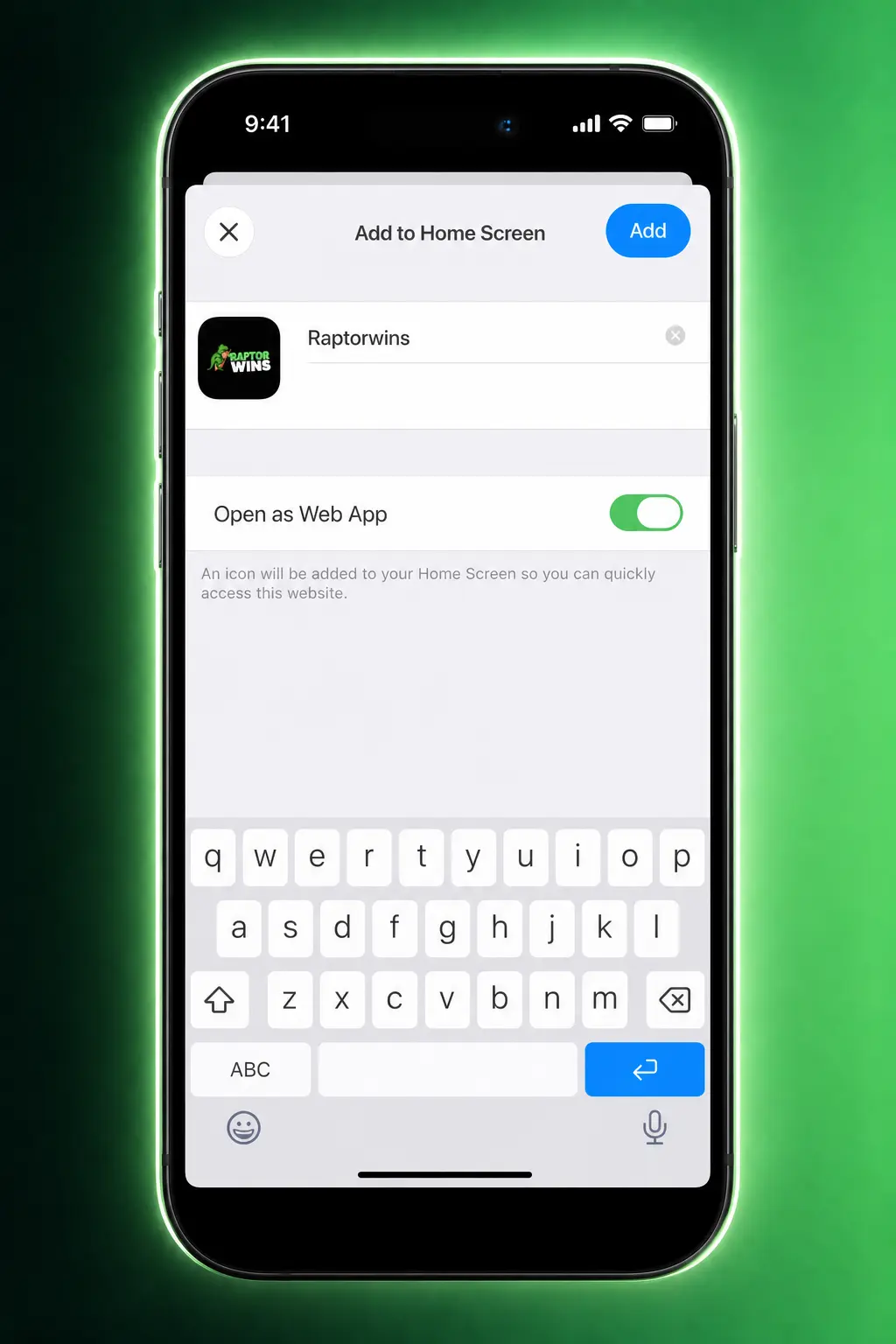
Tap Add in the top right corner. The Raptor Wins icon lands on your home screen, ready for access with a single tap.
Check your Android or iOS device against the specifications below before installing the Raptor Wins app. The PWA format keeps the file size under 5 MB, so performance stays consistent even on entry level hardware.
| Requirement | Minimum Specification |
|---|---|
| Operating System | Android 8.0 or later, iOS 14 or later |
| Supported Browsers | Chrome 90+, Safari 14+ |
| RAM | 2 GB minimum |
| Internet Connection | 3G, 4G, 5G, or Wi-Fi with 1 Mbps minimum |
The Raptor Wins app (PWA) runs across the most common Android and iOS handsets found in the United Kingdom. Budget models and flagship devices released within the last four years load the app within seconds, keeping every casino and betting feature intact.
Registration through the Raptor Wins mobile app takes under three minutes and stays open to players aged 18 and over.
Launch the Raptor Wins app from your home screen icon after installation.
Select Registration on the welcome screen and choose your preferred sign up method, email or phone number.
Enter your personal details, including your country, date of birth, and preferred currency (GBP).
Accept the terms and conditions, then tap Create Account to finish registration.
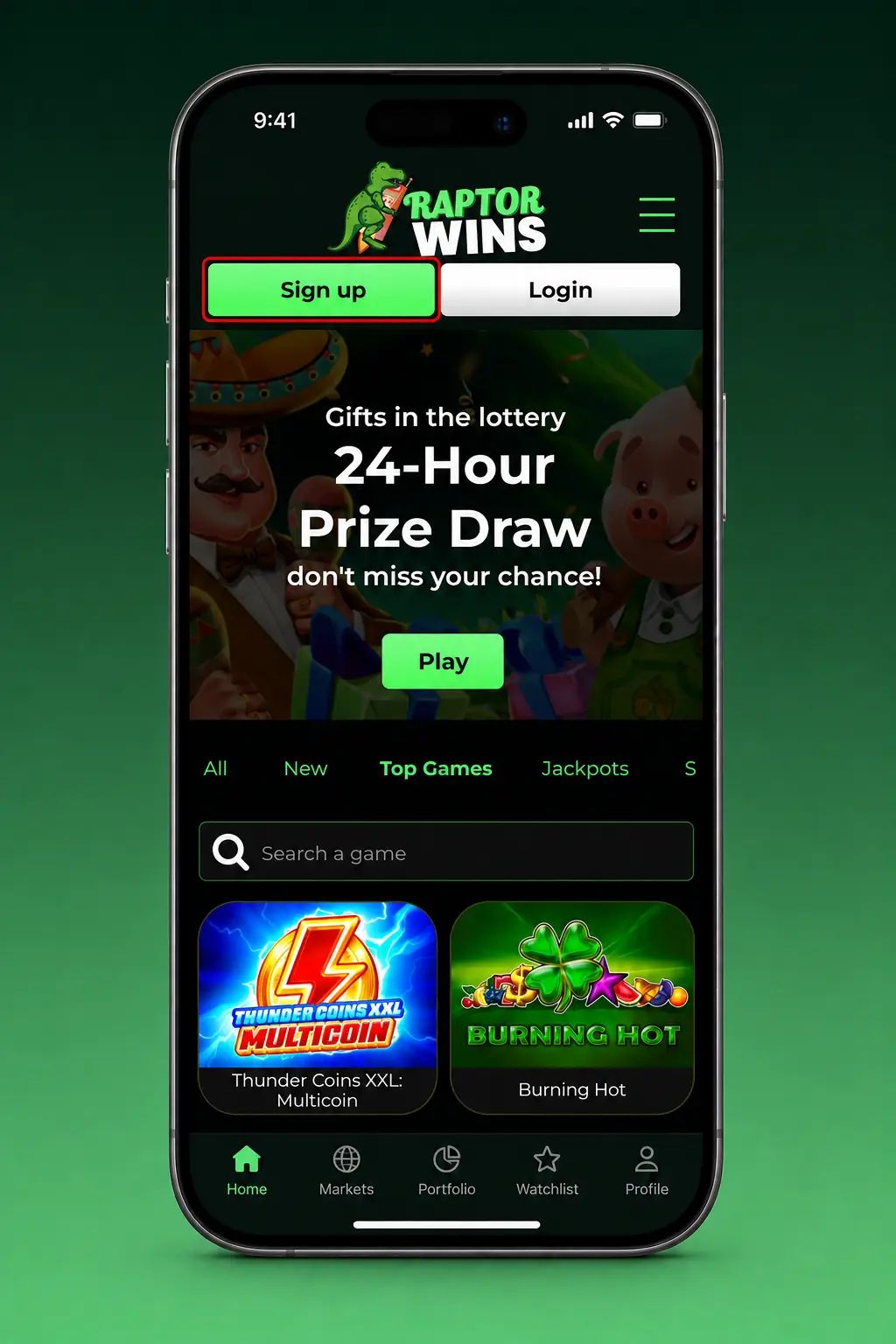
New players claim the Raptor Wins welcome bonus after registering through the mobile app and depositing at least GBP 10. The offer matches your first deposit at 150%, up to GBP 850, and adds 250 free spins on select slot titles. Wagering requirements apply before withdrawal, and the full amount credits directly to your casino balance once the deposit clears.
The Raptor Wins casino section houses 1,180 games optimized for smartphone screens, covering slots, table games, and crash titles. Every title loads directly in the browser, with no separate casino app download required. Touch controls, portrait mode layouts, and adjustable bet sizing make each session simple on a 6 inch display.
Over 800 slot titles span classic fruit machines, video slots, and megaways mechanics, all tuned for quick sessions on a single handheld device.
Aviator and Spaceman lead a lineup of crash titles built around rising multipliers for quick rounds between bets.
Blackjack, roulette, and baccarat tables run in multiple variants, each with betting grids designed for touch controls.
Progressive jackpot slots pool prizes across the network, with running totals visible on every spin.
Scratch card games settle in under 10 seconds, delivering instant results suited for short breaks between tasks.
Bingo rooms host two formats, one with 90 numbers and one with 75, run on scheduled timers with chat built for mobile screens.
The Raptor Wins app covers football, horse racing, tennis, cricket, rugby, and 25 additional sports disciplines for players across the United Kingdom. Bets go down in Live mode and Line mode, the latter covering wagers placed before an event begins, with Single, System, and Accumulator options available on every market. Every official sport and eSport fixture carries a dedicated page with team statistics, past meeting records, and live match streaming. Premier League fixtures, Cheltenham Festival races, and ATP Tour matches all sit inside the same betting slip.
The Raptor Wins app (PWA) updates automatically on Android and iOS devices, without any manual step from you. The latest version loads in the background each time you reopen or refresh the app while connected to the internet. This process delivers performance improvements, bug fixes, and new features the moment they release, without a download prompt or storage check. Your home screen icon always points to the current build.
Players in the United Kingdom fund their Raptor Wins account through several payment channels, all accessible from within the app.
Deposits credit instantly once the network confirms the transaction, letting you jump into a casino game or place a bet without delay. Most withdrawal methods settle within minutes rather than days. The minimum deposit stands at GBP 10, and the minimum withdrawal amount is GBP 20, both processed in British pounds.
The Raptor Wins app (PWA) operates under an official gambling licence, following the regulatory standards set for operators serving the United Kingdom market. The app protects every login, deposit, and personal data field with SSL encryption at 128 bits. Firewalls and continuous monitoring guard account information against unauthorized access. This setup keeps your betting and casino sessions inside a regulated, secure environment at all times.
Raptor Wins customer support answers questions around the clock, 24 hours a day and 7 days a week, directly inside the mobile app. Trained agents handle account, payment, and game queries in English within minutes.
Yes. Online sports betting and casino gaming are legal in the United Kingdom under the Gambling Act 2005, regulated by the UK Gambling Commission. The Raptor Wins app operates within this framework, giving UK players a licensed, regulated platform for betting and casino play.
The Raptor Wins PWA takes under 5 MB of storage, far less than a typical native casino app of 80 MB or more.
Yes. The app runs on Wi-Fi, 3G, 4G, or 5G, with a minimum recommended speed of 1 Mbps for loading live streams and casino games.
The app matches every feature found on the mobile site, betting markets, casino games, and payment options included, but loads faster and keeps a permanent icon on your home screen.
Your account, balance, and betting history stay stored on the server, not on your device. Reinstalling the PWA through this website restores full access within seconds.
Updated: